Backgrounds and editing / Studio lesson 04
The Last Pass on Your Image
A good finish clarifies what was already there. Choose a background that stays quiet, correct the capture carefully and keep enough texture for the components to feel real.
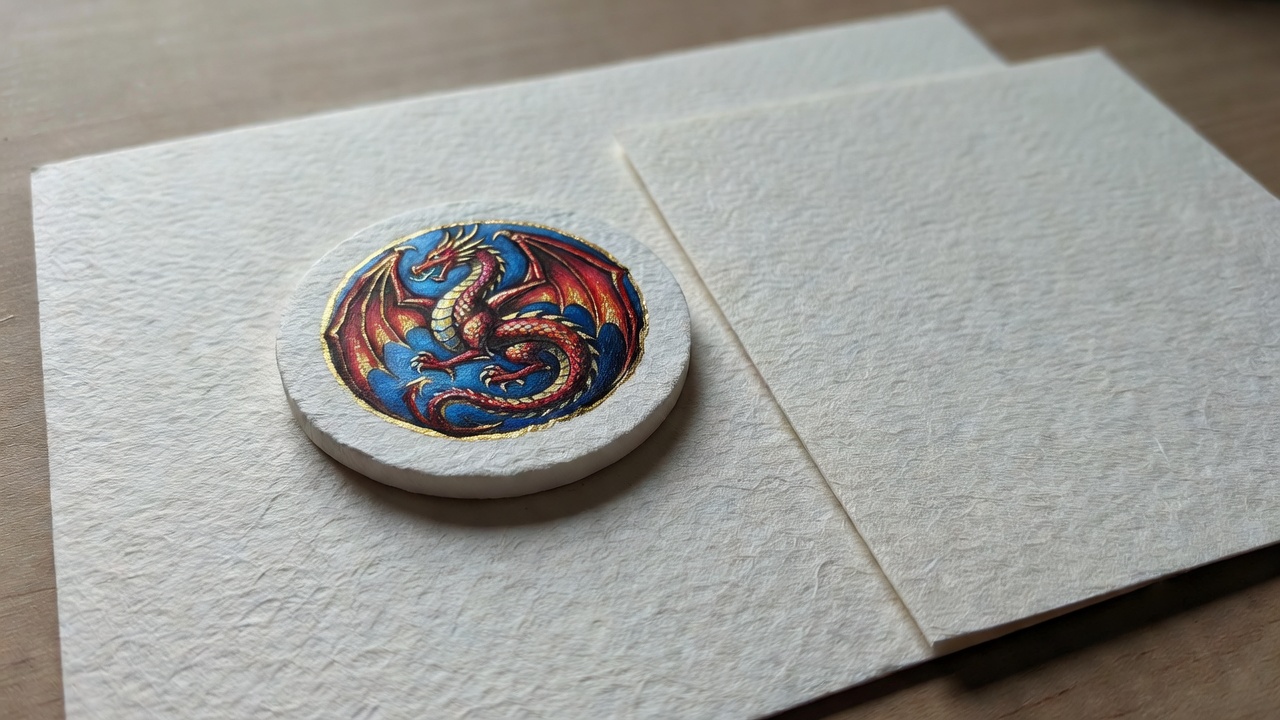
The target is clean, not sterile: keep paper grain, paint texture and believable transitions into shadow.
Begin the edit by choosing less background
Background styling is an editing decision made before capture. Start with a matte surface whose color and brightness separate from the components. Pale wooden pieces may disappear on cream paper; dark miniatures may merge with black cloth. Test one object on the proposed surface under the final light. Look for separation first and decorative character second.
Wood grain, woven linen and stone can add useful context, but their patterns compete with printed cards and small symbols. Rotate the surface so its strongest lines support the arrangement rather than crossing it. Avoid wrinkled fabric unless the folds have a clear role. A plain sheet of paper is often the strongest choice because it lets spacing, shape and shadow carry the image.
Preserve an untouched starting point
Keep the original file and edit a copy or use a nondestructive workflow. RAW capture can provide more adjustment latitude when your camera supports it, but it does not excuse clipped highlights or poor focus. A well-exposed JPEG can still produce an excellent result. Choose the best frame for geometry, expression of shape and sharpness before considering which one looks brightest.
Apply an appropriate lens profile if available, then make only small perspective corrections. Revisit the four card edges after the adjustment. If one side needs substantial stretching, a reshoot may preserve proportions better than an aggressive transform. Correcting geometry early prevents later crop and cleanup work from being based on a distorted frame.
Annotated crop study
Give the anchor enough room
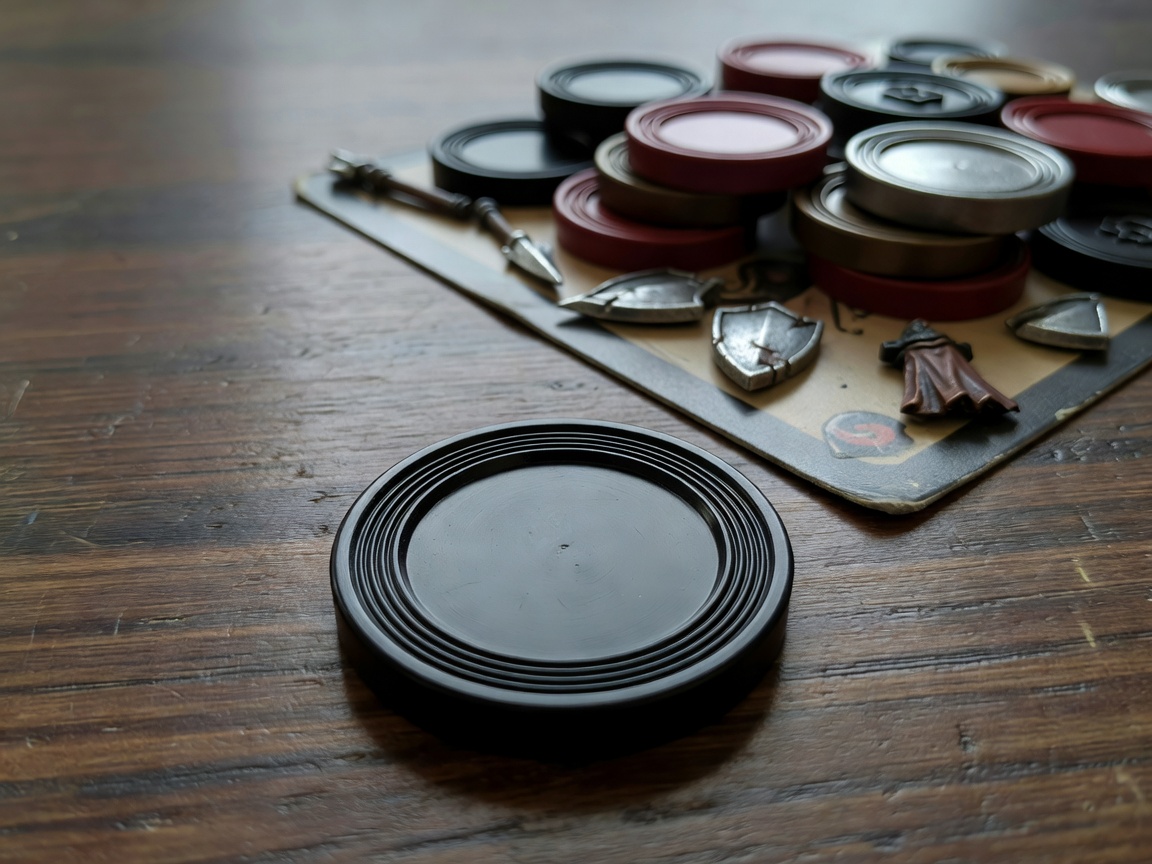
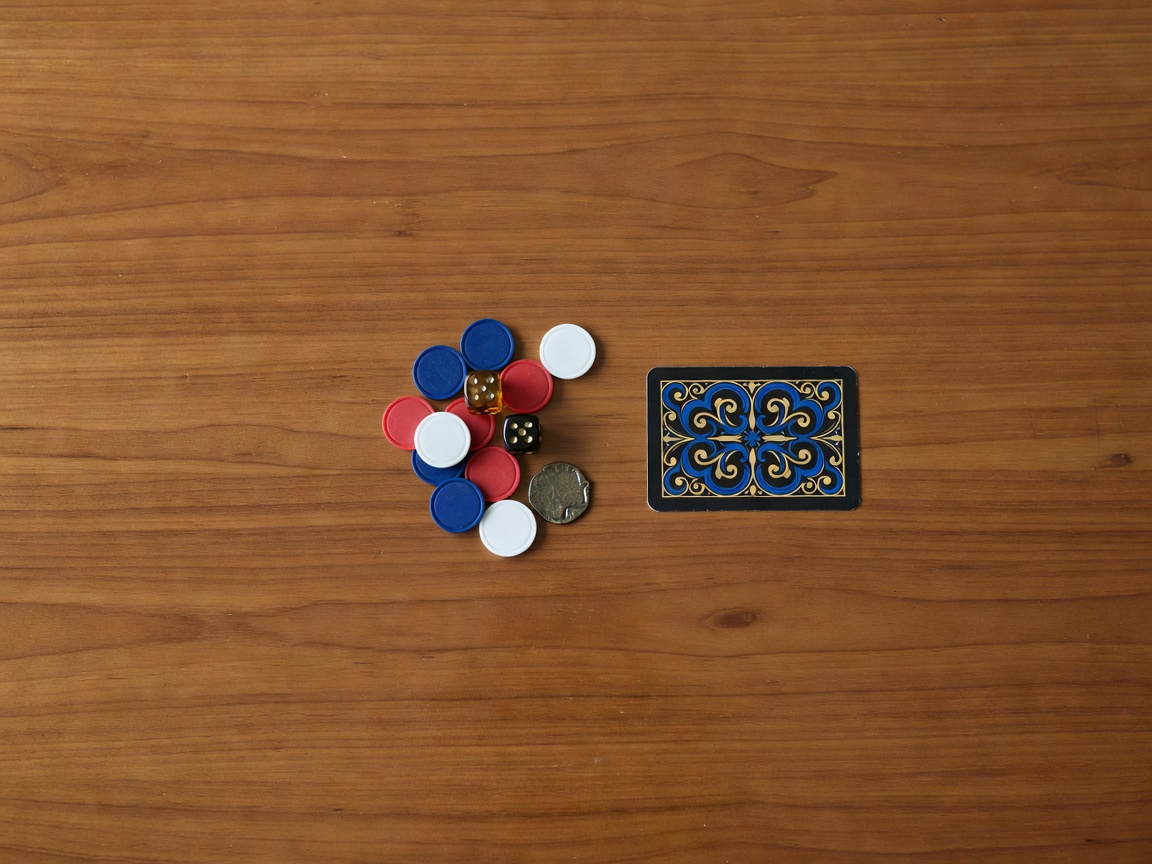
Compare the space around the components, not just how much of the surface remains. A tighter image is not automatically a stronger one.
Correct color before adding a mood
Set white balance using a neutral reference photographed under the same light. A gray card is more dependable than assuming that printed white card stock is neutral. Inspect skin-like paint colors, pale wood and familiar neutral objects together. If one side of the image looks warm and the other looks cool, mixed lighting may be the cause; one global white-balance change will not fully resolve it.
For a documentation image, aim for believable color before making selective adjustments. For a creative treatment, establish that neutral starting point anyway so the departure is intentional. Avoid using saturation to compensate for weak lighting. Increasing every color can make printed inks and painted highlights lose their distinct relationships.
Protect highlights and keep useful shadows
Adjust overall exposure while watching important bright areas, especially white card borders and glossy paint. Pull back highlights only as far as the file supports. If a channel was clipped at capture, a recovery slider cannot reliably recreate the missing color. Keep some deep shadow when it describes form, but lift a local area if a necessary symbol or miniature feature disappears.
Use local masks for local problems. Darken a bright background corner rather than lowering the whole image. Lift a face gently rather than flattening every shadow. Check mask boundaries at full size so card edges do not acquire halos. Compare with the original frequently; a sequence of individually small adjustments can still produce an overprocessed result.
The finishing recipe
Work from structure to surface
- Choose the frame for geometry and focus, then make restrained lens and perspective corrections.
- Set the crop and white balance before making the image more dramatic.
- Adjust exposure and local distractions while protecting bright edges and readable shadows.
- Inspect texture at full size, then export and check again at the actual viewing size.
Clean dust without rewriting the object
Remove stray dust, hairs and background specks that distract from the subject. Be careful not to erase printed texture, deliberate paint weathering or a real manufacturing feature when the photograph is meant to document the object. Clone from a nearby area with similar texture and light. Repeated patterns are a sign that cleanup has become visible.
Apply noise reduction conservatively. Fine paper grain and small painted details can resemble noise to an algorithm. Sharpen after evaluating the intended output size, and watch high-contrast edges for bright outlines. If the image looks crisp only because every edge glows, reduce the amount. A slightly softer but truthful surface is better than invented detail.
Export for the place the image will live
Keep a full-resolution master and create separate delivery copies. For general web use, sRGB is a practical color space because it is widely supported. Resize to the actual display need rather than uploading an unnecessarily huge file. Inspect the exported JPEG or WebP for compression blocks around card text and gradients in the background.
Finally, view the image small and away from the editing controls. Ask whether the anchor remains clear, the colors remain plausible and the surface still feels physical. If the answer is yes, stop. The final pass should reinforce the original arrangement, not bury it under a recognizable effect. Return to the arrangement lesson when the photograph needs a stronger structure rather than another slider.
Draft an editing question →